
Open the download page
Use the download button in your Android browser. Review the destination and the file details shown before starting the transfer.
Your next game starts here. Open the Gold Rummy download page, install the Android app and explore the games with a clear guide beside you.
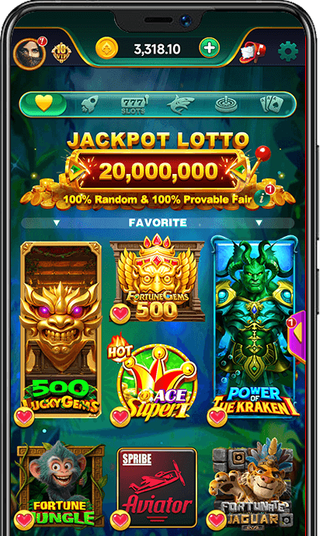
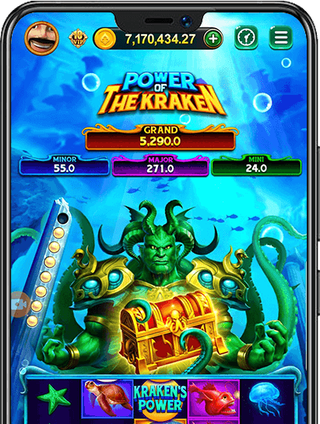
An APK is the installation file for an Android app. Saving it is the first step; installation and account access come next.
Use the download button in your Android browser. Review the destination and the file details shown before starting the transfer.
Keep the connection active and let the APK finish downloading. Find it in your browser’s Downloads list or your phone’s Files app.
Open the completed package and review Android’s prompts. When installation finishes, open the app from your phone’s app list.
Go straight to the step on your screen, whether it is your first install or a return to the app.
Find the saved file and work through the Android installer.
02 / Android helpCheck compatibility while keeping your account access in mind.
03 / Android helpCheck your sign-in method and use the service’s recovery route.
04 / Android helpMatch a stalled transfer or installation error to the next check.
Review the source, app identity and installer. Keep device security checks enabled.
Check the APKStart with the directory, then read the rules for the format you choose. The current selection and availability are shown in the app.
Open the full game guide



Learn the difference between a sequence and a set before your first hand.
Start with the rules
Gold Rummy brings card, board and other game names into an Android app experience. This website connects the download entry with setup instructions and game explanations, so each step has a place.
Download buttons open an external page. Check its current product and file details before installing.
About ij7.liveUse the Download Gold Rummy APK button to open the external download page. Review the file details there, save the Android package and wait for the transfer to finish before opening it.
The APK is an Android installation file. The game is what you open after installation. Downloading a file, installing it and signing in are separate steps.
Check Downloads in the browser you used, or open the Downloads folder in your phone’s Files app. A paused or incomplete transfer is not ready to install.
No. An APK is for Android. An iPhone or iPad cannot install an Android APK; check the service’s own guidance for any supported alternative.
Check the current download page and the file details on your device. This guide does not label an unverified package as the latest release or publish a fixed file size.
Keep the installed app while you check compatibility and confirm how to recover your account. Removing an app or clearing its storage can remove local information. Read the update guide first.
Open the download page, then follow the steps for your Android phone.